Shire of Augusta Margaret River Libraries

Digital Drop-in Augusta Library

Need a hand with your device, apps or online services? We’ve got you covered

Join us at Augusta Library next week for Digital Drop-ins!

These are relaxed, one-on-one 15-minute sessions where you can get help with everyday tech questions. Whether it’s setting up email, using your smartphone, accessing online services or building your digital skills, we’re here to help.

Augusta Library

  • Thursday, 3 December 10am – 3pm

And to mark the last session for the year, everyone who attend will get in the draw to win $50 Retravision vouchers.

Bring your device and your questions, and we’ll work through them together. No bookings necessary. Please arrive by 2.45pm to ensure we have time to assist you.
If you have any questions, contact our eServices Librarian, Ana via email: abrawls@amrshire.wa.gov.au, or call the Library on 08 9780 5600.
Book Stars Club for 8 to 11 year olds

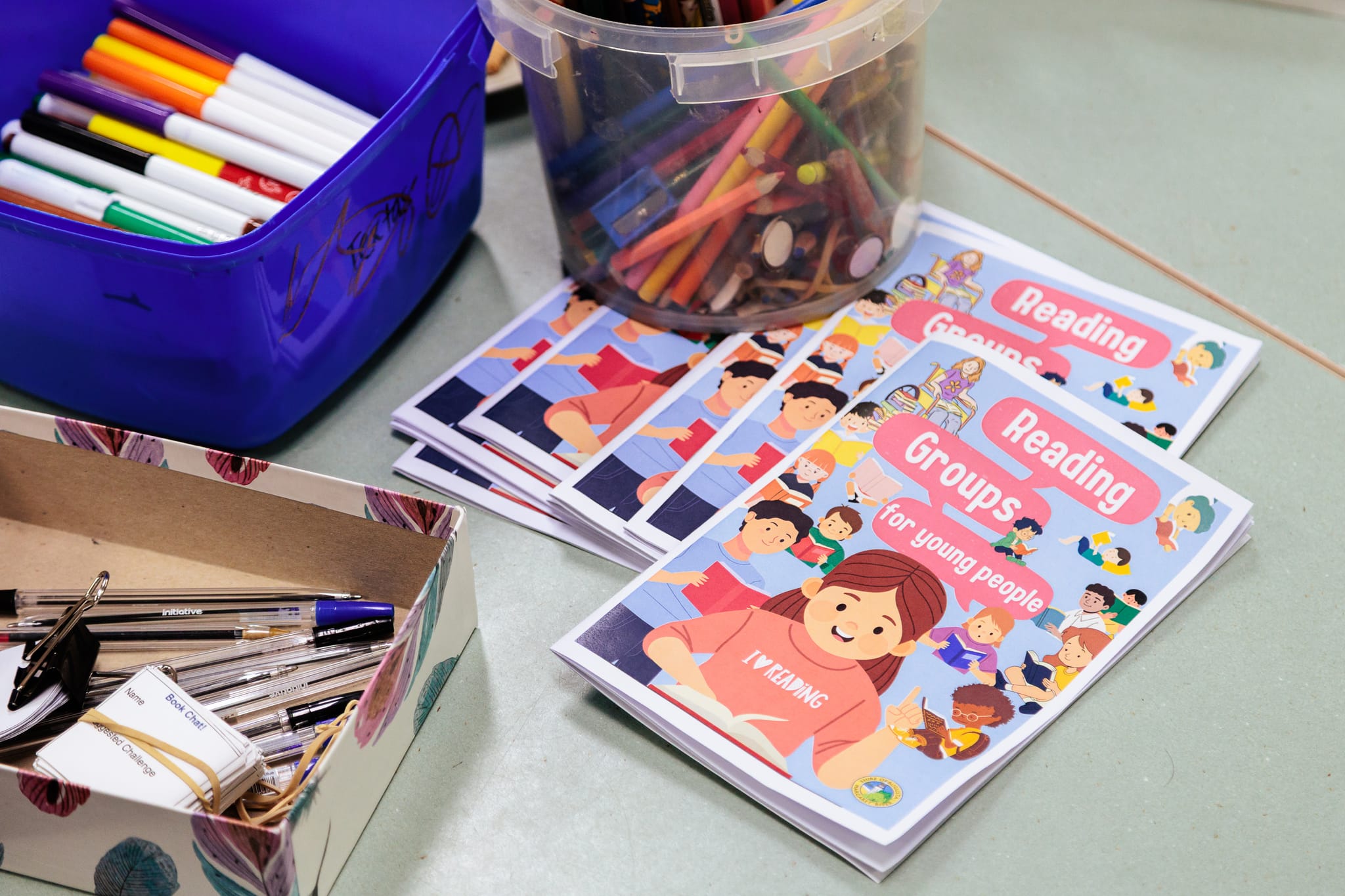
Book Stars Club is a group for kids aged 8 to 11 years old who love books and reading. Book Stars is held on the third Monday of each Month during school term at 4.00pm at Margaret River Library.

Our final meeting for this year is this Monday 16 November at 4.00 – 5.15pm.

During Book Stars Club we chat about what we have read over the month, give recommendations and do a book related craft activity.

Free snacks are provided, please let library staff know if you have any dietary requirements.

Children under 12 years old need to be accompanied by an adult for library events.

Bookings are not required, simply head to the library on the day.

Toddler Tales at Augusta Library

Toddler Tales is hosted at Augusta Library on the second Thursday of each month during school term and is on again this Thursday 12 November at 10.30am.

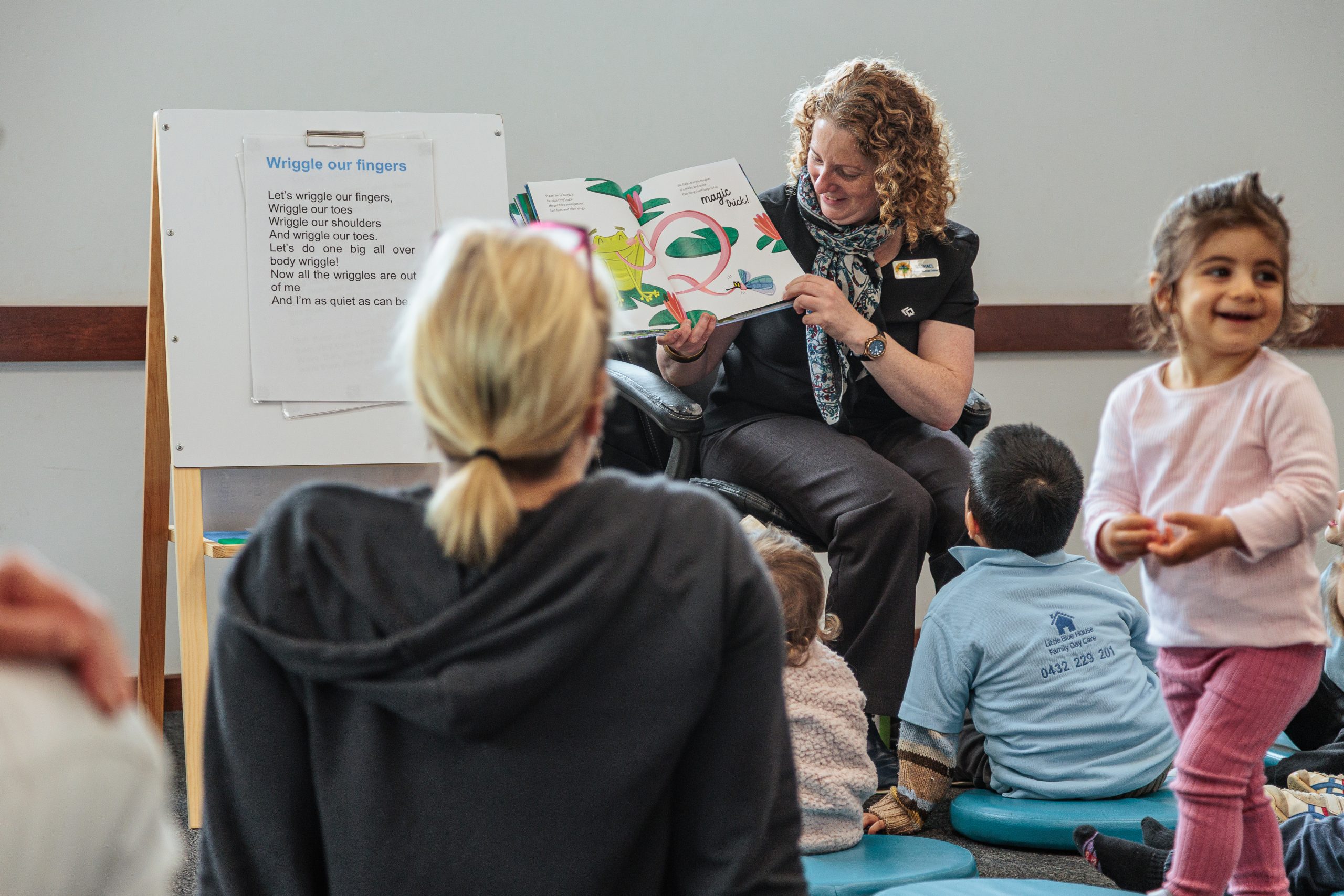
Children and their caregivers are welcome to this special story time aimed at Toddlers which contains a story, songs, rhymes and craft.

Bookings are required, visit www.eventbrite.com.au/o/shire-of-augusta-margaret-river-libraries   Please note new Libraries booking link. You can also phone 9780 5602 to reserve your place.

We hope to see you at Augusta Library soon!

The Cocoon Gallery for Emerging Artists Welcomes Baby D

Art Time with Baby D

An exhibition in The Cocoon Gallery for Emerging Artists until 3pm, Friday December 18.

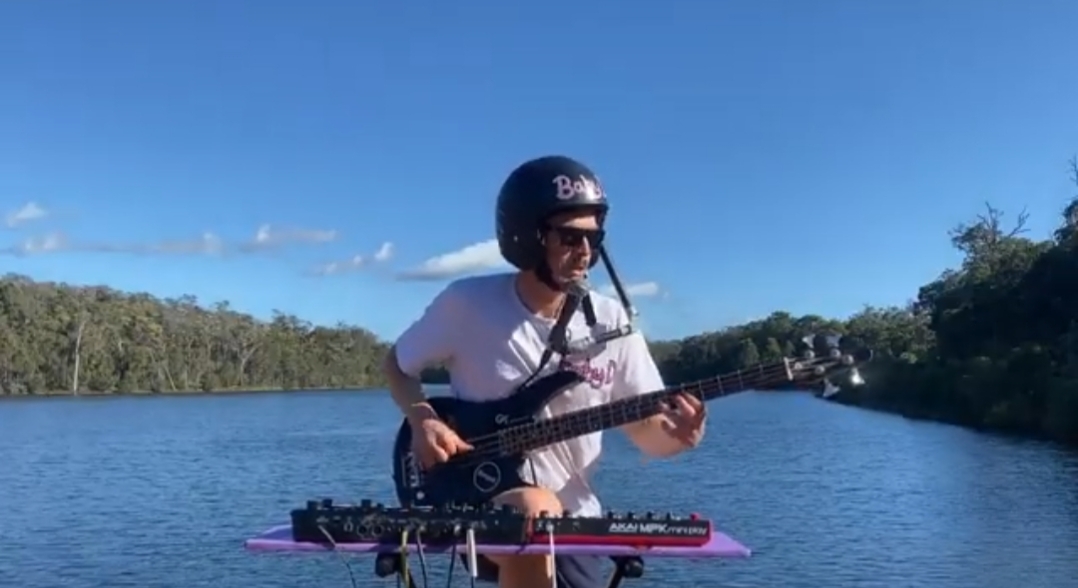
Baby D is a local performance artist. He dabbles in several mediums such as music, video, comedy, animation, painting and drawing.

His goal is to lose himself in the process of whatever he is creating and to be free of thought. This is when he creates his best work. The acrylic paintings he presents in this exhibition pulse with energy in their pattern and choice of colour combinations. The occasional tortoise pops into the mix creating a sense of playful quirkiness.

Launch Event

The launch to this event incorporates music and performance with the chance to chat to the artist and view his works. Please RSVP to catch the performance in the children’s end of the library.

This is an alcohol free event and children are welcome.

Date: Thursday 3rd December, 6pm – 7pm

Please RSVP to Ben. Mobile: 0414 455 581

Email: babydenterprises@gmail.com

Which eReader works with your library eResources?

Have you ever wondered whether your eReader works with our library’s digital collection? Here’s a quick guide to help you get started.

Person reading a from ereader in a bed

Photo by Worshae on Unsplash

Amazon Fire Tablets

You can enjoy library eBooks, audiobooks and magazines on your Amazon Fire tablet by downloading the relevant library apps from the Amazon Appstore and signing in with your library card.

Kobo eReaders
Many newer Kobo eReaders support Libby directly on the device, allowing you to browse, borrow and read library eBooks without using a computer. Supported models include many recent Kobo Clara, Libra, Sage and Elipsa devices.

Older Kobo devices may require Adobe Digital Editions (ADE) on a Windows or Mac computer to transfer library books to the eReader.

Important: Adobe Digital Editions users may be asked to create a ByteBooks ID when setting up or reauthorising their account.

Need Help? For step-by-step video tutorials, visit the Augusta Margaret River Libraries Academy.

Using Library Computers

Adobe Digital Editions is available on public library computers. If you need to use ADE, you’ll still need to create and sign in to your own Adobe/ByteBooks account.

Need Assistance? Contact Ana, eServices Librarian, at abrawls@amrshire.wa.gov.au or call 08 9780 5600 to arrange a one-on-one tutorial.

The Library needs your voice.

There is just one week left to complete the WA Public Library Customer Survey.

Your feedback helps highlight the value libraries bring to our communities and supports future investment in library services across Western Australia.
Take a few minutes to have your say today.

Access the survey here: WA Public Library Customer Survey

Your library your say survey poster


Read more blog posts
Back to top ↑

Contact the Libraries

Margaret River Library

Fearn Avenue, Margaret River WA 6285
Phone: (08) 9780 5600
Email: amrlibrary@amrshire.wa.gov.au