Celebrating eSmart week with some timely tips

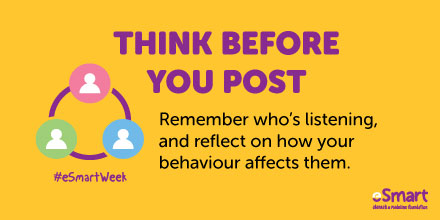
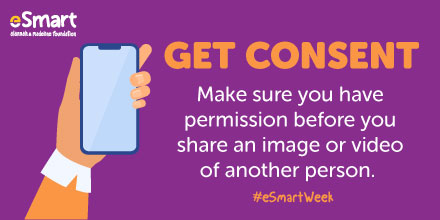
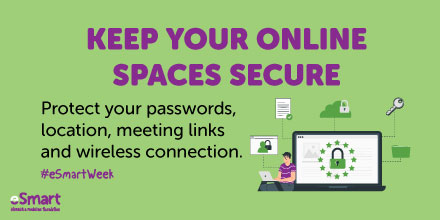
It’s eSmart week, that time of the year when we pause for a moment to reflect on our online interactions. We want all our community to be enjoying the digital world in safe and respectful ways, especially now that so many events are taking place online.

Here are some handy little reminders, to help maintain everyone’s online security and dignity. Have fun, stay safe and play nice!


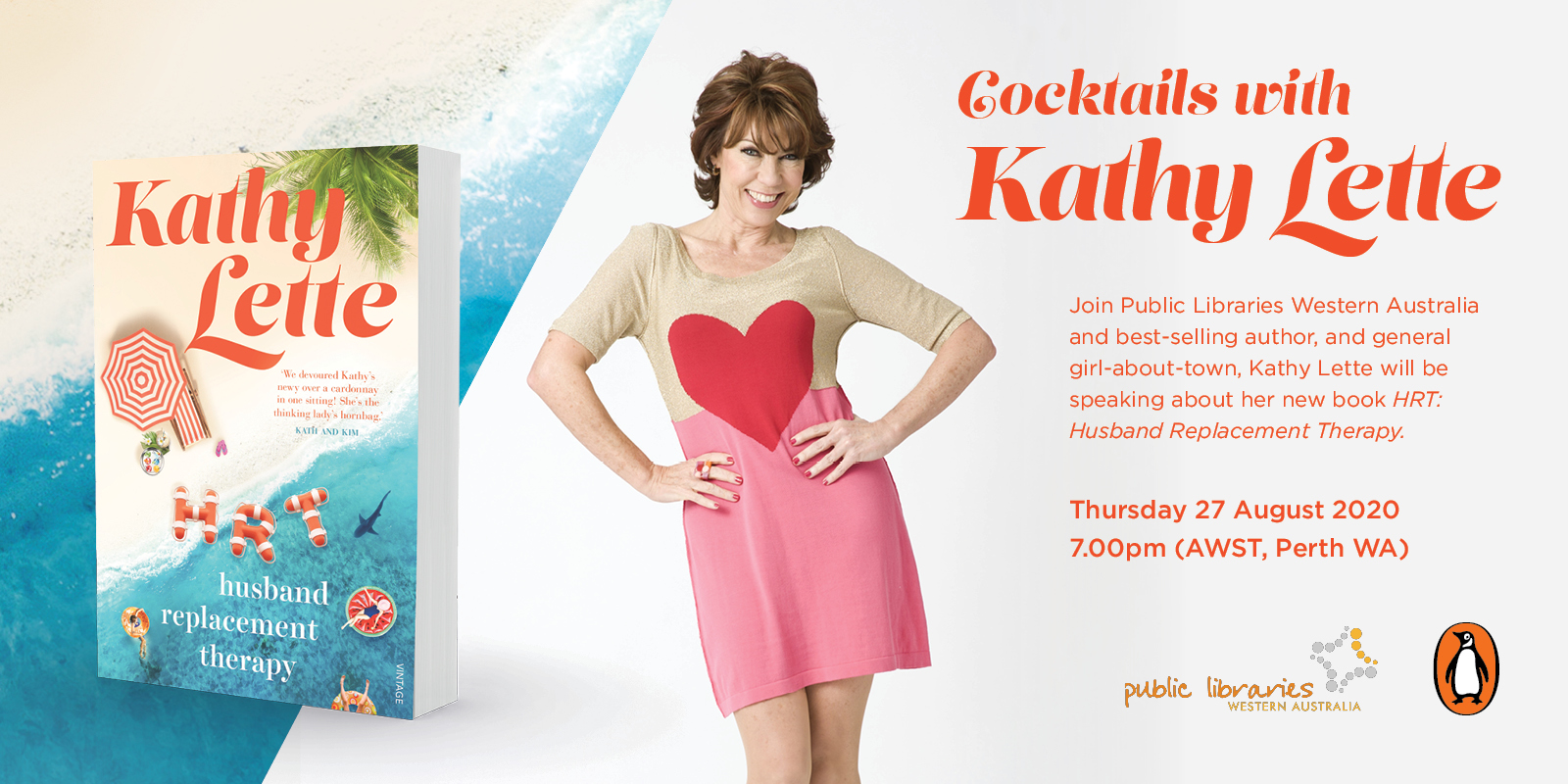
Cocktails with Kathy Lette

HRT_Event_Facebook_1600x800

Join Public Libraries WA for a state wide author talk via Zoom. Best selling author Kathy Lette will be speaking about her new book HRT: Husband Replacement Therapy. Kathy will chat about her life, her writing and shares her immense wisdom in an exclusive tete-a-tete across the state. Join Kathy from the comfort of your own home and bring your own drinks and nibbles.

Join in for this FREE event via the magic of Zoom by registering with the link below on Eventbrite.

Presented by Glenn Swift. Thursday 27th August at 7pm

To join go to: https://www.eventbrite.com.au/e/cocktails-with-kathy-lette-tickets-114243559562


Learn a new skill – touch typing with KAZ!

Touch typing is the ability to type quickly and accurately without having to look down at the keyboard – a valuable skill for anybody who uses a keyboard to study, work or play. Your library membership gives you free access to KAZ Online, a learning tool that helps you to train your brain so that touch typing becomes automatic. No more having to ‘hunt and peck’ for each letter!

KAZ uses a unique ‘accelerated learning’ teaching method, engaging sight, sound and touch simultaneously, to enhance memory retention and recall.

The course is presented in a structured but light-hearted manner in order to make learning fun and enjoyable.

The program offers both spoken and written instruction. Developed with guidance from the British Dyslexia Research Trust, KAZ is suitable for everyone, but also offers dyslexia-friendly functionalities, minimising visual stress by allowing each individual to set preferences for visibility comfort.

Users can choose between the Junior and Adult versions. Links to KAZ can be found on the library Lifelong Learning page, and also on the E-resources for parents and children page.

Learn how to use myGov!

Link to Be Connected mygov courses

Be Connected has launched a new topic to help older Australians learn how to access government services and information online.

The new training module teaches learners how to set up a myGov account, make Medicare claims and link to other critical government services.

In addition to this, learners will gain a better understanding of how two-factor authentication works, and how to retrieve information through the myGov inbox.

This resource is free for all the community, and there is no need to create a Be Connected account to access it (although you can create an account if you want to track your progress).

There are 5 courses to work through under this topic. Start with All About MyGov and work your way through at your own pace.

Click here to get started.

Preparing well ahead of that overseas holiday!

Overseas travel may seem far away, but in the meantime you can be working towards making that long-awaited holiday even better by learning the language of the locals – something that is generally appreciated wherever you may go. Encourage the whole family to learn with you, and perhaps have some theme dinners where you practise your new skill together!

Transparent Language Online (TLO) offers 24/7 access to personalised language courses, and is free with your library membership.

There are too many languages to list here – from French to Swahili, we’re certain you’ll find exactly the language you’re looking for. Learn on your PC or download the app to your mobile device.

If English isn’t your first language, you can also tailor an English course to meet your specific needs.

Have your library card handy and click here to go to our Lifelong Learning page, where you’ll find more information about TLO, and a link to the site.


Learn how to use podcasting and blogging software – or just brush up your Office skills!

Hoonuit is free for all library members.

A video-based how-to training resource, Hoonuit opens up unlimited access to thousands of short videos covering more than 500 of today’s most popular software applications on both PCs and Macs.

  • All the latest software offerings – Microsoft, Apple, Adobe, Google, and more
  • Upskill and embark on a new career – learn how to use the software behind blogging and podcasting, including WordPress and Captivate
  • Mobile training – learn how to use mobile phones and ipads
  • Accessibility – all videos are closed captioned

Click here to view a list of the courses currently available.

Go to Hoonuit  and enter your library card number to create a free account.

Time to learn a new skill?

Time on your hands? Keen to learn a new skill?

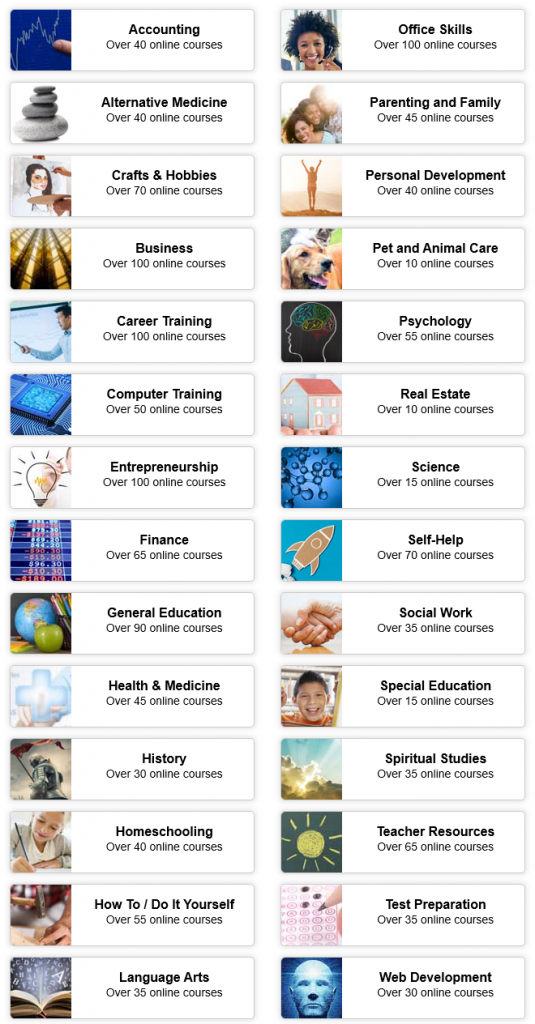
Library patrons have free access to Universal Class – over 500 courses covering 30 subject areas, including Computer Training, Personal Finance, Business, Pet & Animal Care, Career Training, and Arts & Crafts.

The courses feature professional instructors, lessons, exams, assignments and discussion boards – plus grading and feedback.

Click here to go to Universal Class. Enter your library card number to create a free Universal Class account. Once you’ve created your account, you won’t need to use your library card again – simply log in using your Universal Class username and password.

Happy learning!

Online library resources – read, listen, learn, watch. Be entertained and educated!

We want you to stay sane as well as safe. Your enforced at-home holiday doesn’t need to be boring – it can be entertaining or educational – or both! And it costs nothing if you’re a member of the library. If you’re not already a member, give us a call and join over the phone: 9780 5600.

Have your library card handy and click here to visit our Online Resources page, where you can browse a huge range of free e-resources, from e-books and movies through to study assistance and language-learning.

We also have a page that tells you how to use these resources, if you get a bit stuck – click here to find out how to use online resources.


Back to top ↑

Contact the Libraries

Margaret River Library

Fearn Avenue, Margaret River WA 6285
Phone: (08) 9780 5600
Email: amrlibrary@amrshire.wa.gov.au