Would you like to view your borrowing history? It can be very helpful if you can’t remember the name of that book you wanted to revisit or recommend.
You can now switch on this feature in the library catalogue – this is how:
- Go to the catalogue: https://amrlibraries.on.worldcat.org/discovery
- Log in (let us know if you need assistance with your password)
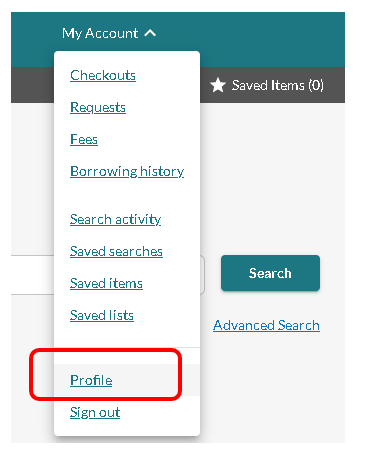
- From the dropdown menu ‘My Account’, select ‘Profile’
- Look for the Borrowing history heading, and switch on ‘Enable my borrowing history’:
 Your borrowing history will build from the day you switch it on, with each new check-out retained for 5 years.
Yay – it’s back! This is wonderful news. Thank you.