If you are having trouble accessing acceptable proof of your vaccine certificate here are a couple of videos that might help you:
- you must have a MyGov account, and
- you must link your Medicare account to your MyGov Account
If you are having trouble watching these videos on your email, please watch them on our blog here.
Watch this video to create a MyGov account.

Watch this video to link your Medicare account to your Mygov account.
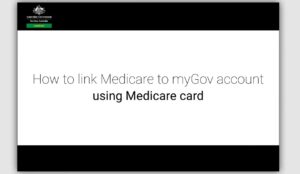
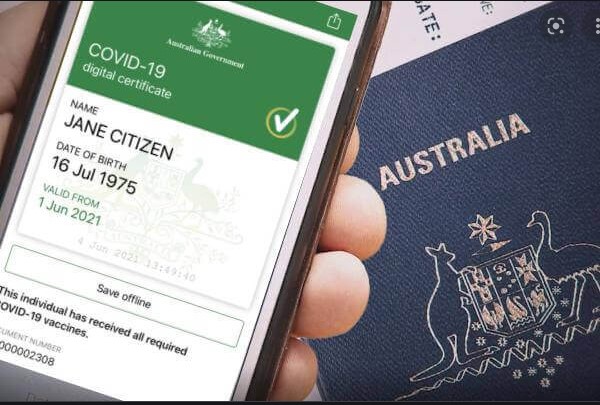
Once these two steps are completed, you can access your certificate – here is how:
- Login to your MyGov account, click on Proof of Covid Vaccination on your Quick Links
- Immunisation history – click on View History
- then you will have a choice to view your digital certificate or save it on your device.