Have you ever wondered whether your eReader works with our library’s digital collection? Here’s a quick guide to help you get started.
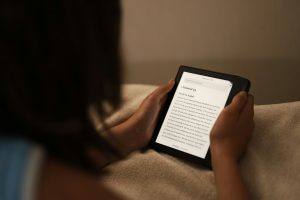
Photo by Worshae on Unsplash
Amazon Fire Tablets
You can enjoy library eBooks, audiobooks and magazines on your Amazon Fire tablet by downloading the relevant library apps from the Amazon Appstore and signing in with your library card.
Kobo eReaders
Many newer Kobo eReaders support Libby directly on the device, allowing you to browse, borrow and read library eBooks without using a computer. Supported models include many recent Kobo Clara, Libra, Sage and Elipsa devices.
Older Kobo devices may require Adobe Digital Editions (ADE) on a Windows or Mac computer to transfer library books to the eReader.
Important: Adobe Digital Editions users may be asked to create a ByteBooks ID when setting up or reauthorising their account.
Need Help? For step-by-step video tutorials, visit the Augusta Margaret River Libraries Academy.
Using Library Computers
Adobe Digital Editions is available on public library computers. If you need to use ADE, you’ll still need to create and sign in to your own Adobe/ByteBooks account.
Need Assistance? Contact Ana, eServices Librarian, at abrawls@amrshire.wa.gov.au or call 08 9780 5600 to arrange a one-on-one tutorial.