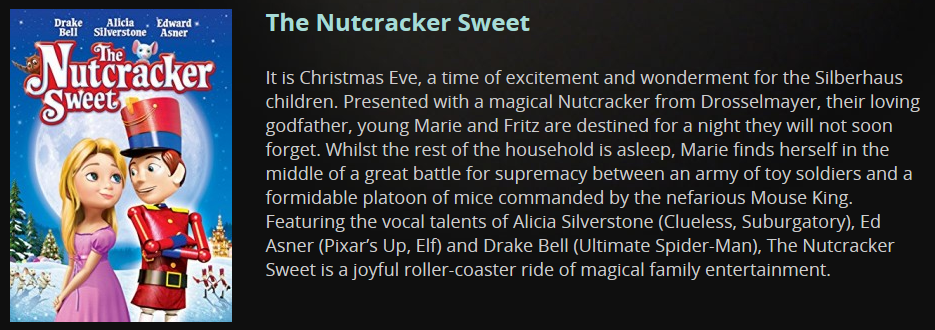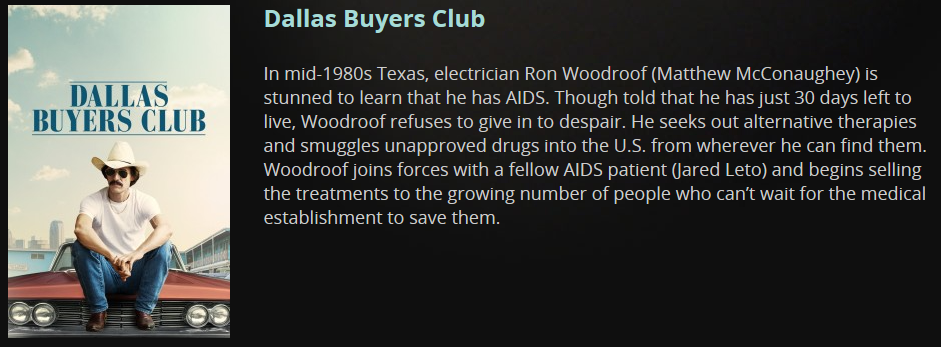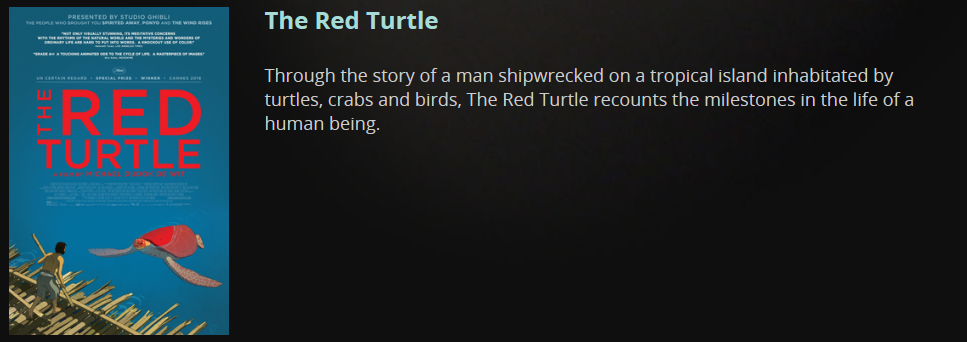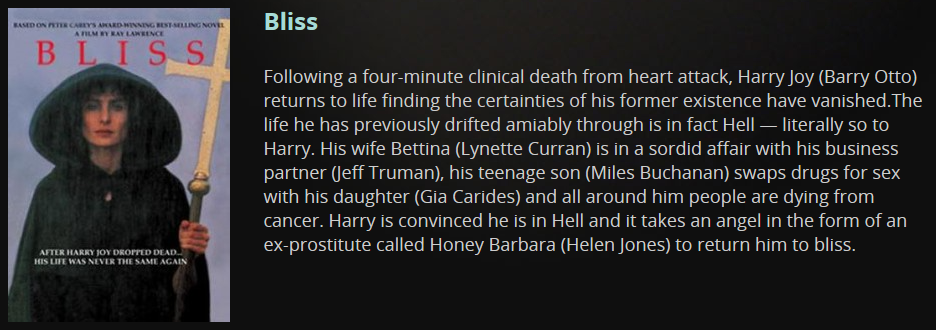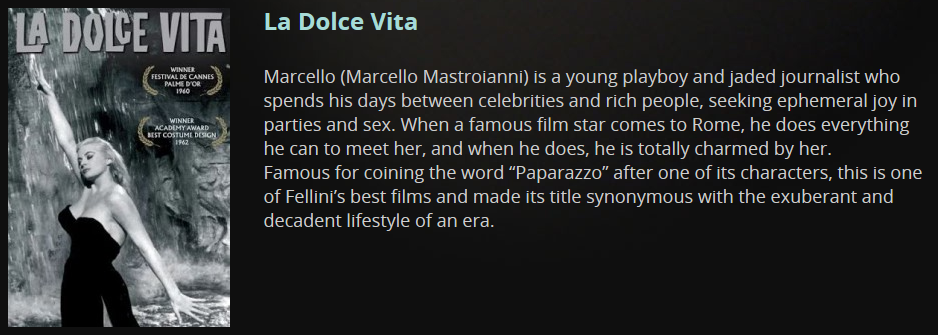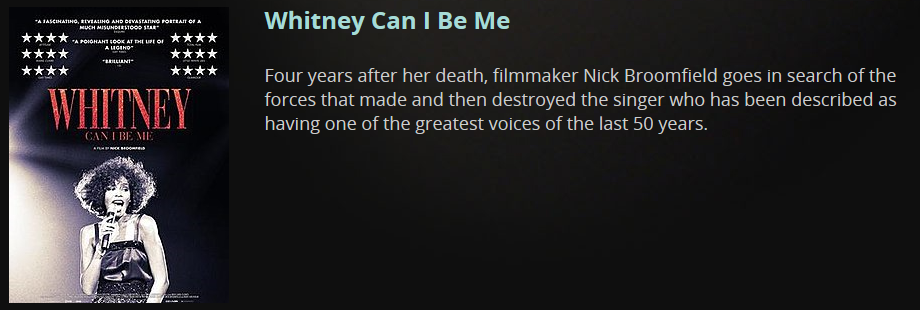
Celebrate the holidays with some great movies – free with your library membership!

Grab the popcorn and settle in for some seriously good entertainment with Beamafilm. You can stream some amazing movies and documentaries – and it’s free, using your library membership.

Enjoy Australian, foreign and indie films,documentaries, children’s features and more.

Have your library membership number handy and click here to go to our Online Resources>Entertainment page, where you’ll find more information and a handy link to Beamafilm.

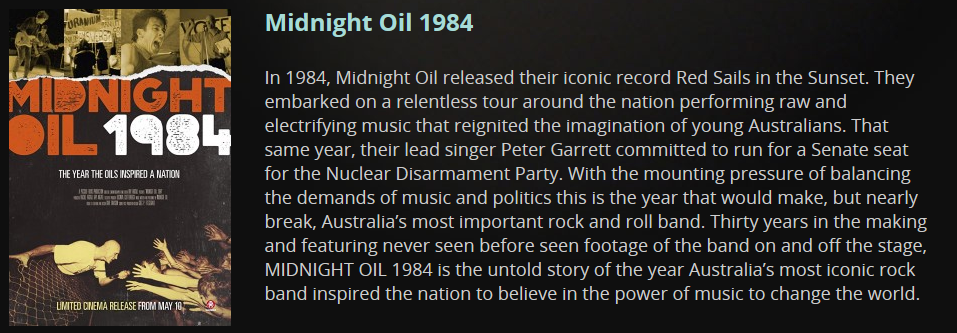
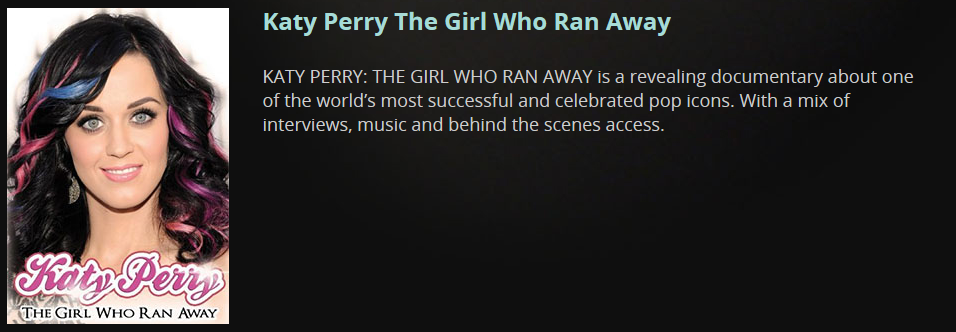
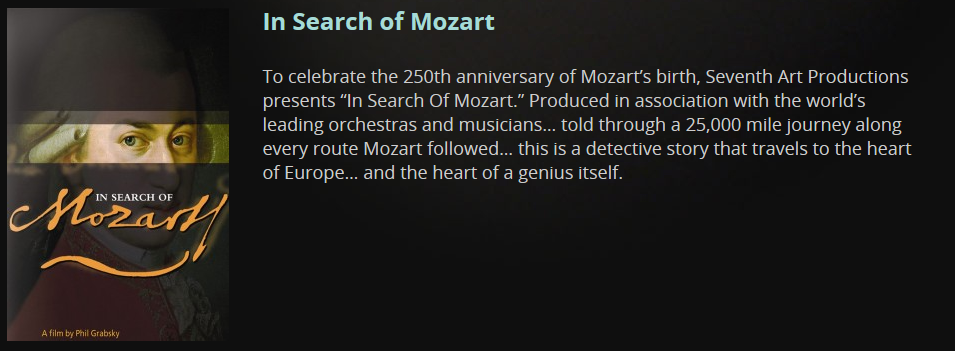
In the meantime, here’s a tiny sample of what’s on offer to tempt you…some new, some old, some serious, some fun…


…and not forgetting the music fans!


cloudLibrary Advanced Search feature – have you discovered it yet?

The cloudLibrary app was recently updated to improve the Advanced Search capability.

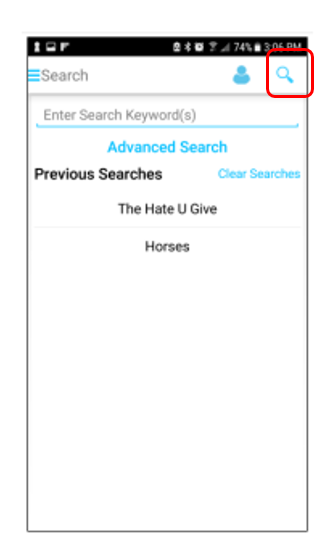
To explore the new functionality within the app, tap on the magnifying glass icon to search by keyword. You can also easily see previous searches.

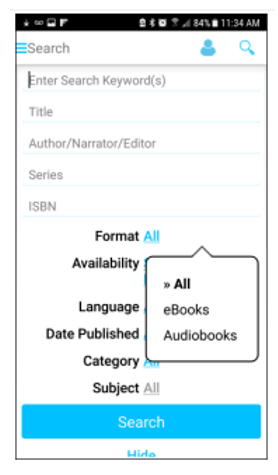
Tap advanced search to search by title, author, series or ISBN.

Filter results by Format, Availability, Language, Date Published or Subject.

If you haven’t discovered cloudLibrary yet, click here to find out more.

Happy reading/listening!

Be eSmart: 10 top cyber-safety tips

It’s eSmart Week and we’re keen to promote digital inclusion and online safety for all our community.

Drop in to the Augusta or Margaret River library to pick up your Be Connected Guide to Getting Online or a Think-U-Know Guide to Cyber Security (or both!)

Check out our Top 10 Cyber Safety Tips:

  1. Care about the Share
    Social media wants you to share as much as you can bear! But the share should be rare. NEVER share: passwords, private/personal information, your location.
  2. Privacy Matters
    If you care about the share, you’ll protect your privacy, no matter what. Regularly check your privacy settings on social media, and always think before you post.
  3. Respect the Privacy of Others
    Treat others’ privacy as you would your own. Ask for your friends’ permission before uploading photos and videos of them.
  4. Keep Everything Updated
    Any idea what causes the most security breaches on the internet? Software that isn’t up-to-date. Be vigilant about updating software, including apps, anti-virus and even the humble browser.
  5. Spam, Spam, Spam, Spammidy-spam
    Spam is the modern version of junk mail! Learn how to tell the difference between real emails and messages… and always be suspicious of hyperlinks in emails.
  6. Control the Troll Within
    There be trolls out there – beware! Don’t feed them, don’t give them what they want: an angry response. Block/Report the trolls. But also: resist the inner troll. Don’t be part of the problem.
  7. Cyberbullying and Harassment
    If you’re being targeted by this kind of behaviour, know what you can do, and where you can get help. Ask your library to show you the eSmart resources webpage.
  8. Keep Your Friends Close and Strangers at Arm’s Length
    Do you know how many true friends most people have? Three. Yup, those four thousand and fifty-two Facebook ‘friends’ are a combination of acquaintances, people-you-met-once, people-you-can’t-remember-meeting-once, and probably, some ‘randoms’. They don’t need to know what you had for breakfast, or what concert you went to last night, do they?
  9. Feel the Flow – Keep Your Life in Balance
    Technology is incredible. Gaming, networking, apps…online shopping! But make sure you take time out and find the right balance for you. Too long on tech can put the world out of whack.
  10. Have Fun, Friend
    Always remember to chill out and keep things in perspective. There’s too much information online to take it all in! Focus on each moment, and enjoy.


Rainforest Coding – having fun while learning to code

Rainforest Coding is our new e-resource that takes you on an adventure while teaching you how to code.

The action takes place on the beautiful Echo Island, part of the Crystal Rainforest. Things suddenly turn very ugly for the scientists living on the island when it is attacked by hundreds of evil robots. Can the children help Doctor Han find her way around the old temples, removing the robots in her way? Can they discover what is going on and who is behind the attacks? 

Suitable for five years and up. For more information, click here to go to our E-resources for parents and children page.

Learn to touch-type in 90 minutes with KAZ!

Typing is a valuable skill for anybody who uses a keyboard to study, work or play.

KAZ is now available free for all library patrons. It uses a unique and proven ‘accelerated learning’ teaching method. Incorporating both ‘muscle memory’ and ‘brain balance’, it engages the major senses of sight, sound and touch simultaneously, radically enhancing memory retention and recall.

The course is presented in a structured but light hearted manner in order to make learning fun and enjoyable. It solely focuses on teaching typing and does not include gaming, to avoid overloading the ‘working memory’.

The program offers both spoken and written instruction. Developed with guidance from the British Dyslexia Research Trust, KAZ is suitable for everyone, but also offers dyslexia-friendly functionalities, minimising visual stress by allowing each individual to set preferences for visibility comfort.

Users can choose between the Junior and Adult versions. Links to KAZ can be found on the library Lifelong Learning page, and also on the E-resources for parents and children page.

Search Diversity WA online tool available

Search Diversity WA is an online tool that allows users to search and download data on demographic, cultural and socioeconomic characteristics of people living across the State, including profiles of Local Government Areas and selected birthplace, ancestry, gender, language and religious groups from the 2011 and 2016 Australian Bureau of Statistics Census information.

Click here to visit the website, or for further information please email the Office of Multicultural Interests at: harmony@omi.wa.gov.au


Back to top ↑

Contact the Libraries

Margaret River Library

Fearn Avenue, Margaret River WA 6285
Phone: (08) 9780 5600
Email: amrlibrary@amrshire.wa.gov.au