Fearn Avenue, Margaret River WA 6285
Phone: (08) 9780 5600
Email: amrlibrary@amrshire.wa.gov.au
News and events for our library community


The Little Weaving Studio: A fusion of abstract art and off loom weaving by Margaret Auld
1 April – 31 May 2019
“Inspired by the strong vibrant sensual landscapes of New Mexico and the art of the Native Americans my childhood passion for nature and colour was reignited and my love of weaving began. Weaving is a symbol for my life, the experiences of the past form the twisted strong warp threads, my present and dreams for the future intertwined in the weft. Bright Bold Colourful. The colours of my weavings instructively chosen, easily transitioned into the form and style of my abstract painting. Using recycled threads and tea bags, I am endeavouring to find artistic expression by combining weaving and painting, to open myself to new threads and colours connecting me to the spiritual world.”
The Cocoon Gallery for Emerging Artists is situated in the entrance to the Margaret River Library and is easily accessible. All works on display are for sale.


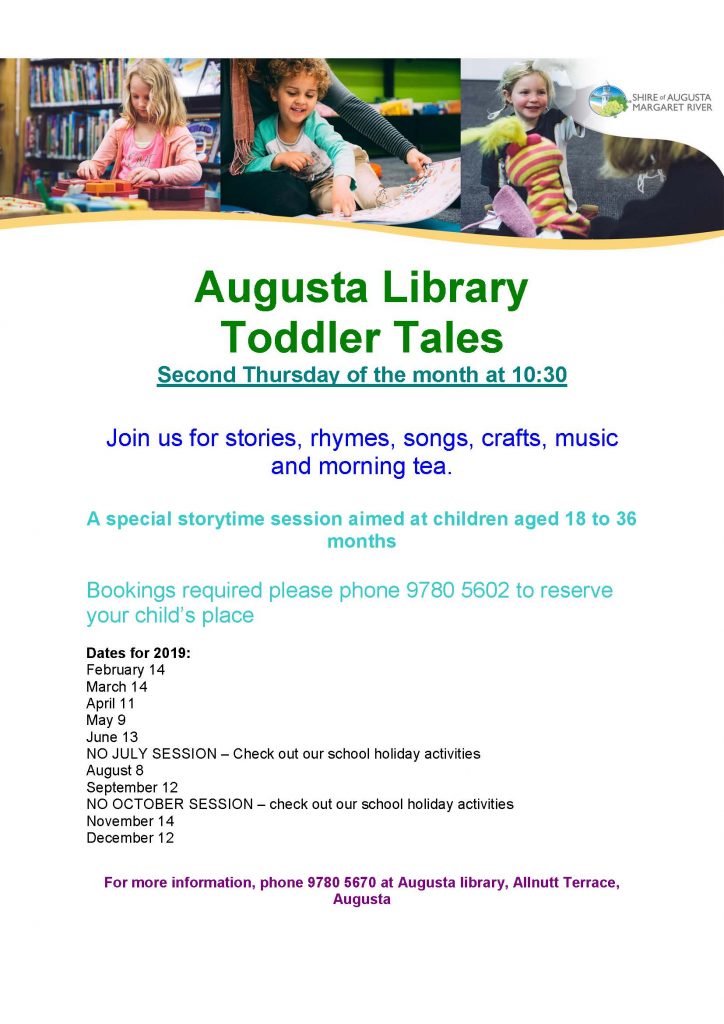
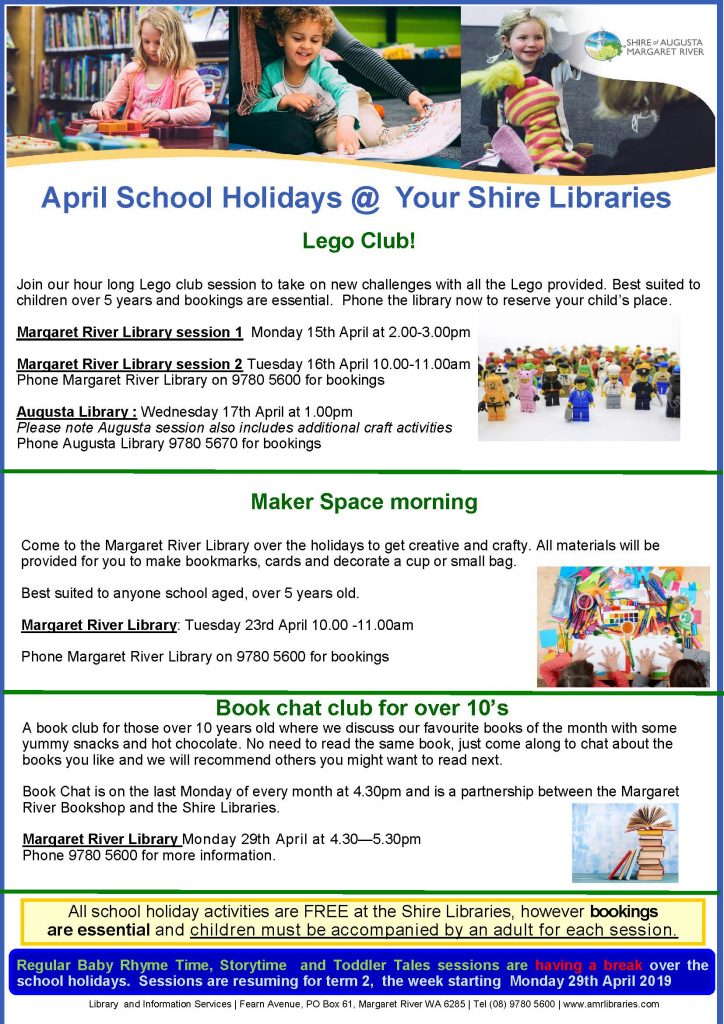
Come to Augusta Library for a storytime session aimed at Toddlers. We will enjoy a story, songs, rhymes, craft and a morning tea but bookings are essential. Call 9780 5602 to book your toddlers palce.
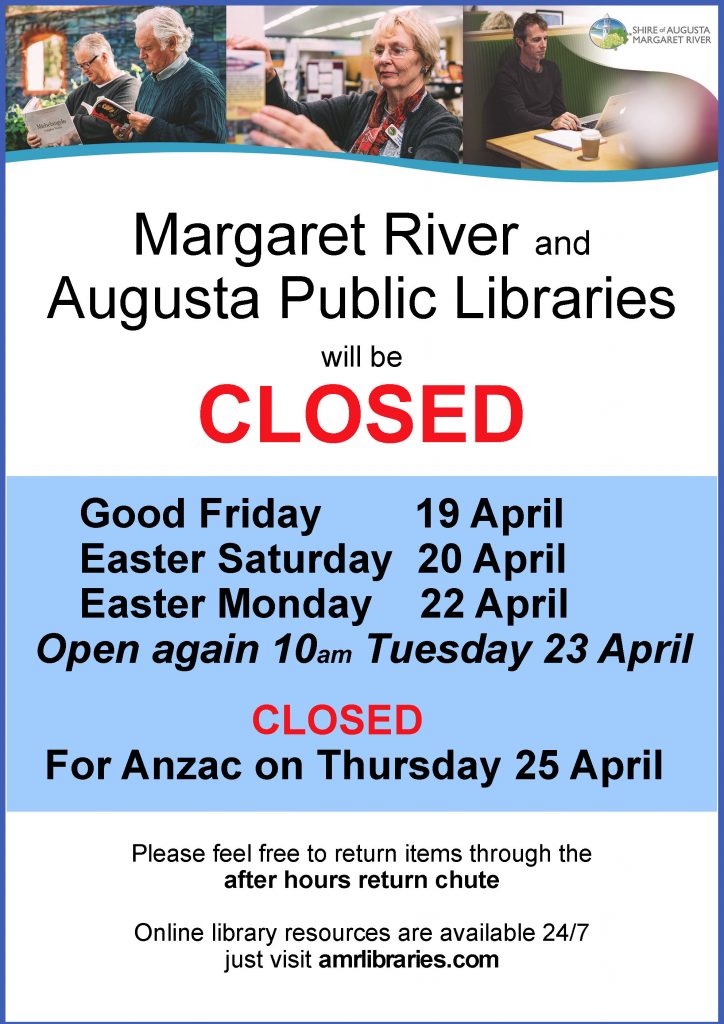
Due to scheduled maintenance, the following services may be temporarily unavailable at the following times:
Thursday 4 April 5pm – Friday 5 April – SLWA catalogue and online services (including inter-library loans requests) will be unavailable overnight, with services expected to resume by noon on Friday 5 April.
Sunday 7 April 12 noon – 3.30pm – Shire’s library service catalogue and online services may be temporarily unavailable during this time.
We apologise for any inconvenience.
Today we celebrate neurodiversity, and aim to increase awareness of autism in our community.
The world has come a long way in its understanding of autism, and a large part of this has been due to the shared insights of adults living with autism.
Your library service has a wide range of resources relating to autism, including books by Temple Grandin and John Elder Robison, who write of their own adventures and experiences of living with autism. You can click here to start searching the catalogue, or ask one of our friendly staff to help you get started.
Click here to visit the SWAN (South West Autism Network) Autism Awareness page.
Click here to view the UN statement for World Autism Day observance.
Kanopy is a streaming service that offers library patrons free access to a wide variety of movies and documentaries.
Kanopy recently notified us of a security issue on the platform, after it became apparent that some user information was not properly secured on the Kanopy platform.
Kanopy has confirmed that no Western Australian users were affected by this issue.
Kanopy has also assured WA libraries that the security issue has been fixed, and that they are continuing investigations to ensure this does not happen again.
If you’re interested in streaming free movies and documentaries with your library membership, click here to get started.
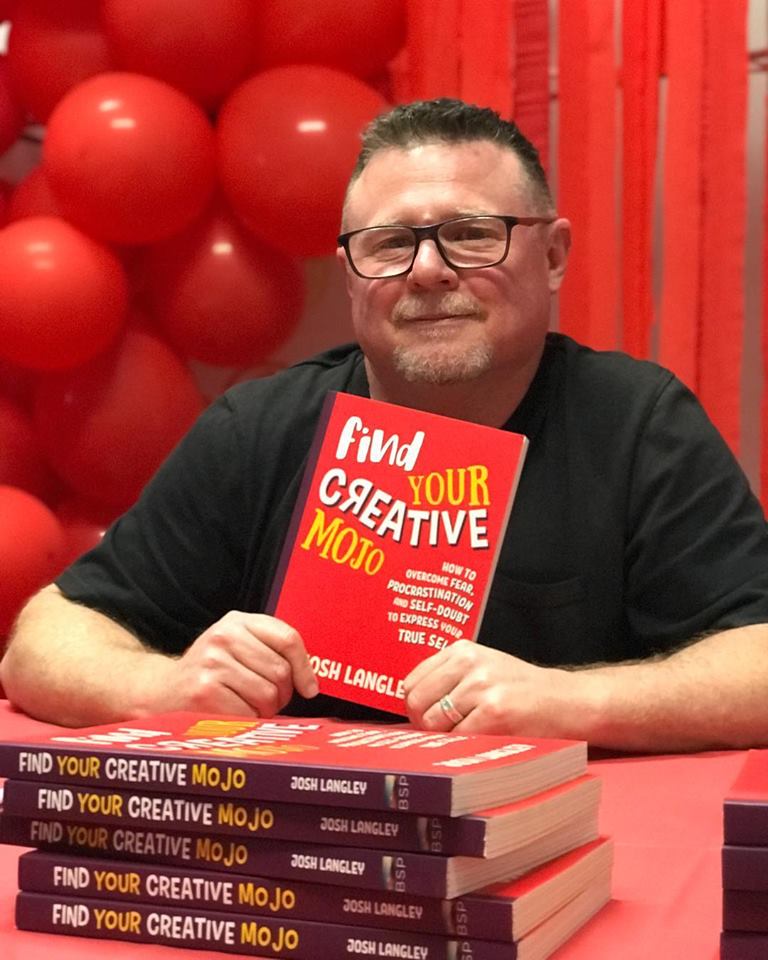
What is creativity and where does it come from? Can anyone be creative? Josh will talk about his unconventional views on the subject and how he turned his life around by throwing out the rule book. Light refreshments provided after the talk and Josh’s books will be available to purchase.
Please RSVP for catering to amrlibrary@amrshire.wa.gov.au or Ph: 9780 5600
Due to scheduled maintenance, some online services (including catalogue) may be temporarily unavailable between 2pm – 8pm on Saturday 23 March.
We apologise for any inconvenience.
Fearn Avenue, Margaret River WA 6285
Phone: (08) 9780 5600
Email: amrlibrary@amrshire.wa.gov.au